Emby - FAQ
I'm receiving an error message indicating incorrect credentials, despite them being correct.
The issue stems from reaching the maximum device limit for your plan. Please reach out to support if you wish to remove an old device, allowing you to log in on a new one.
What is the device limit of my plan?
Be sure to check out the device limit here.
Trakt Sync
Trakt helps keep a complete history of every TV show and movie you've ever watched on Emby synced to Trakt.
-
First you need to create an Trakt account.
-
For privacy and security, you can click the checkbox that says "Private" here.
-
Log in to web app of Emby. Go to the settings and select the Trakt tab. Click on "Get PIN" which should open a new tab. Click YES, copy the "PIN," then return to the Emby tab, locate the "Authentication PIN" field, and paste the code.
-
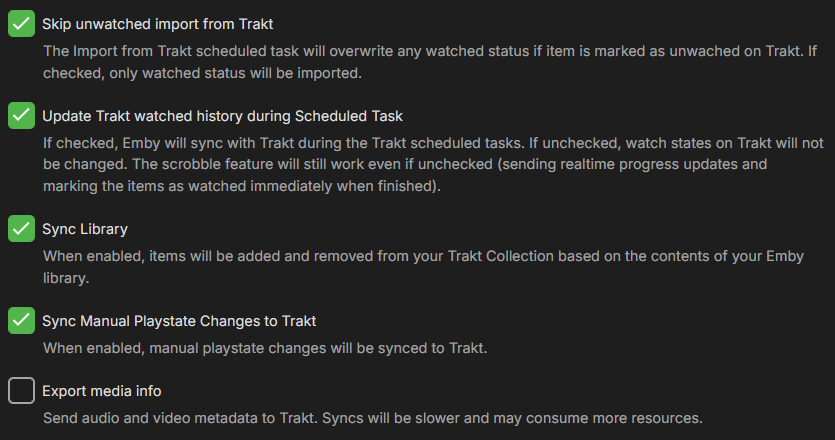
Do not change any checkboxes in the Trakt tab on Emby
-
Hit Save, and you're good to go.