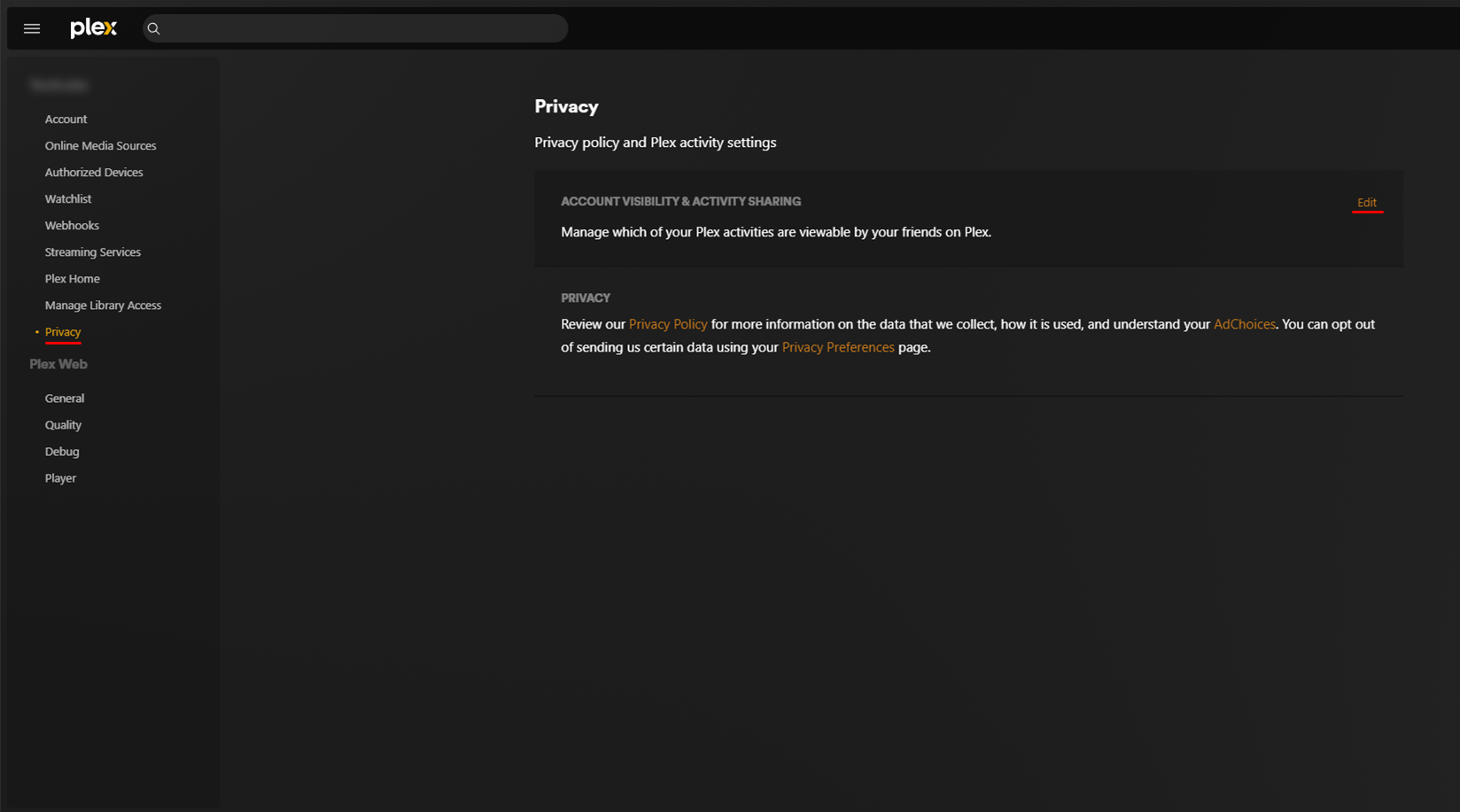
Plex - Privacy
Web Browser Only
Plex recently made some changes to your account's watch history, watchlist, ratings, and friends, making them public. This guide will help you fix that.
- Click on your Profile picture on Plex Web App > Accounts > Privacy on the left sidebar > Click on Edit
- Click on each section and select "Private".
- For Account Visibility select "Friends Only"