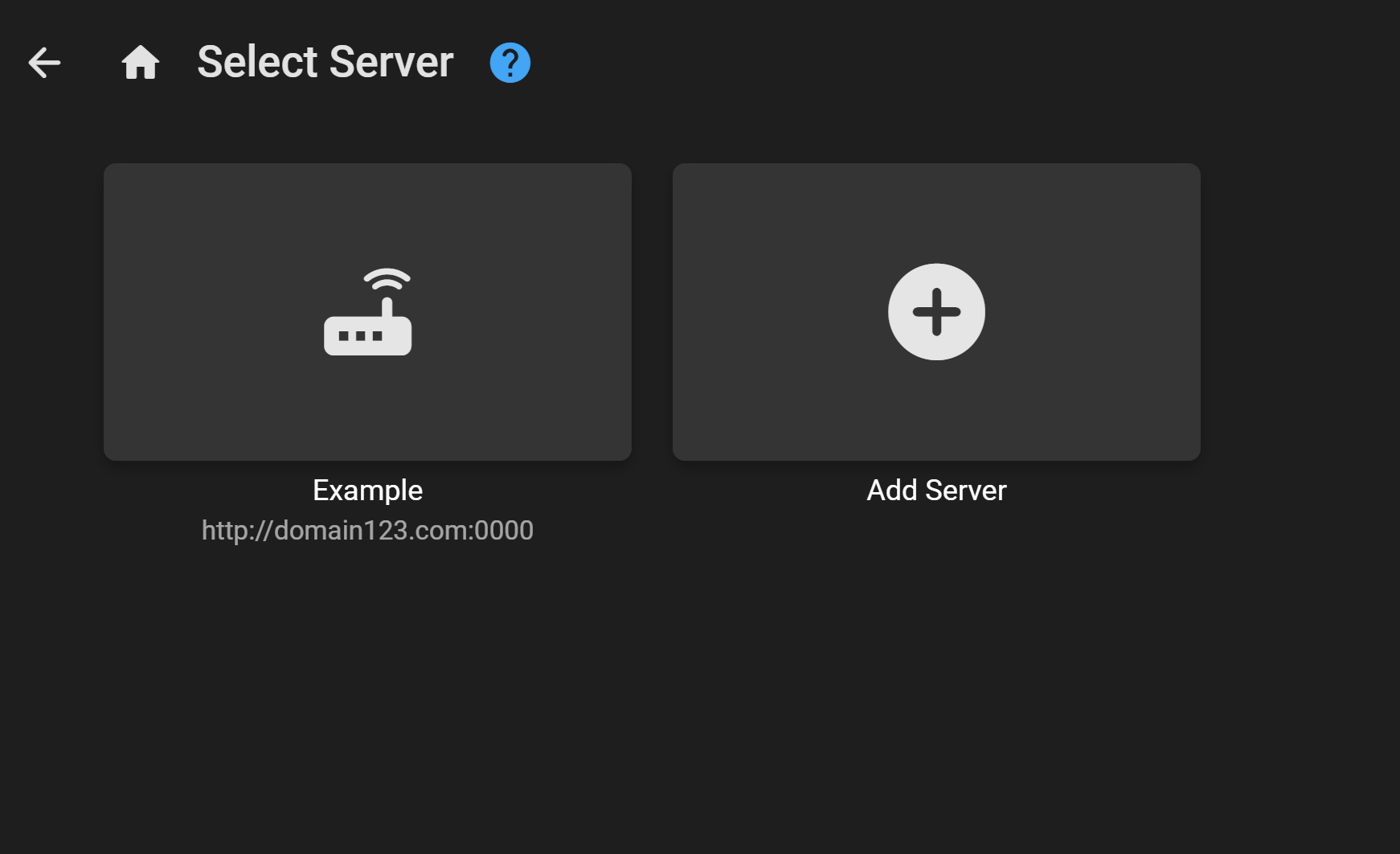
Emby - How To Login
Note
This is only showing how to do it for desktop users but should be pretty similar to other devices/clients.
- First download the emby app according to your device.
- Once downloaded on your device and installed open the app.
- If you have followed the previous steps from here all you have left to do is login with emby connect as shown below.
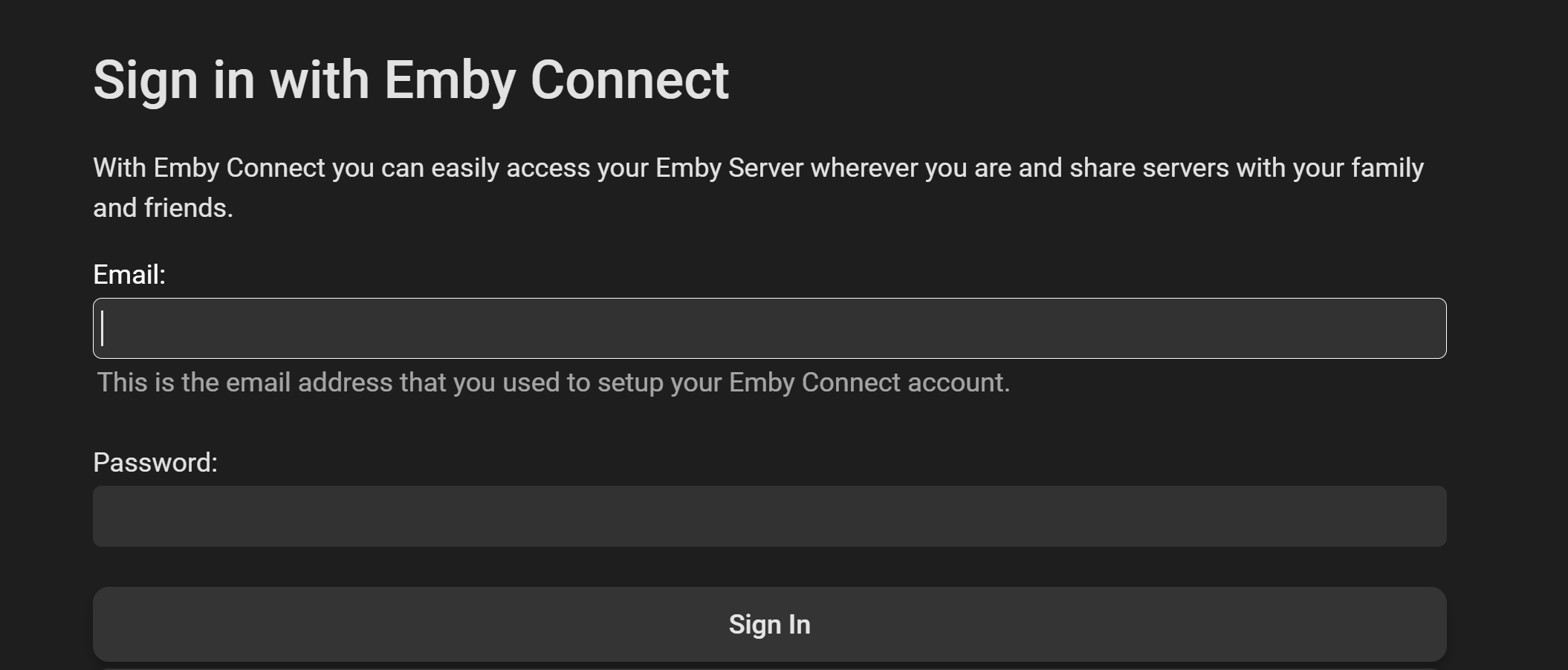
Then once logged in you should see: